PixOnDeck for Chrome
Turn any image into a prompt
Pick an image you like, make the prompt your own, and keep creating.
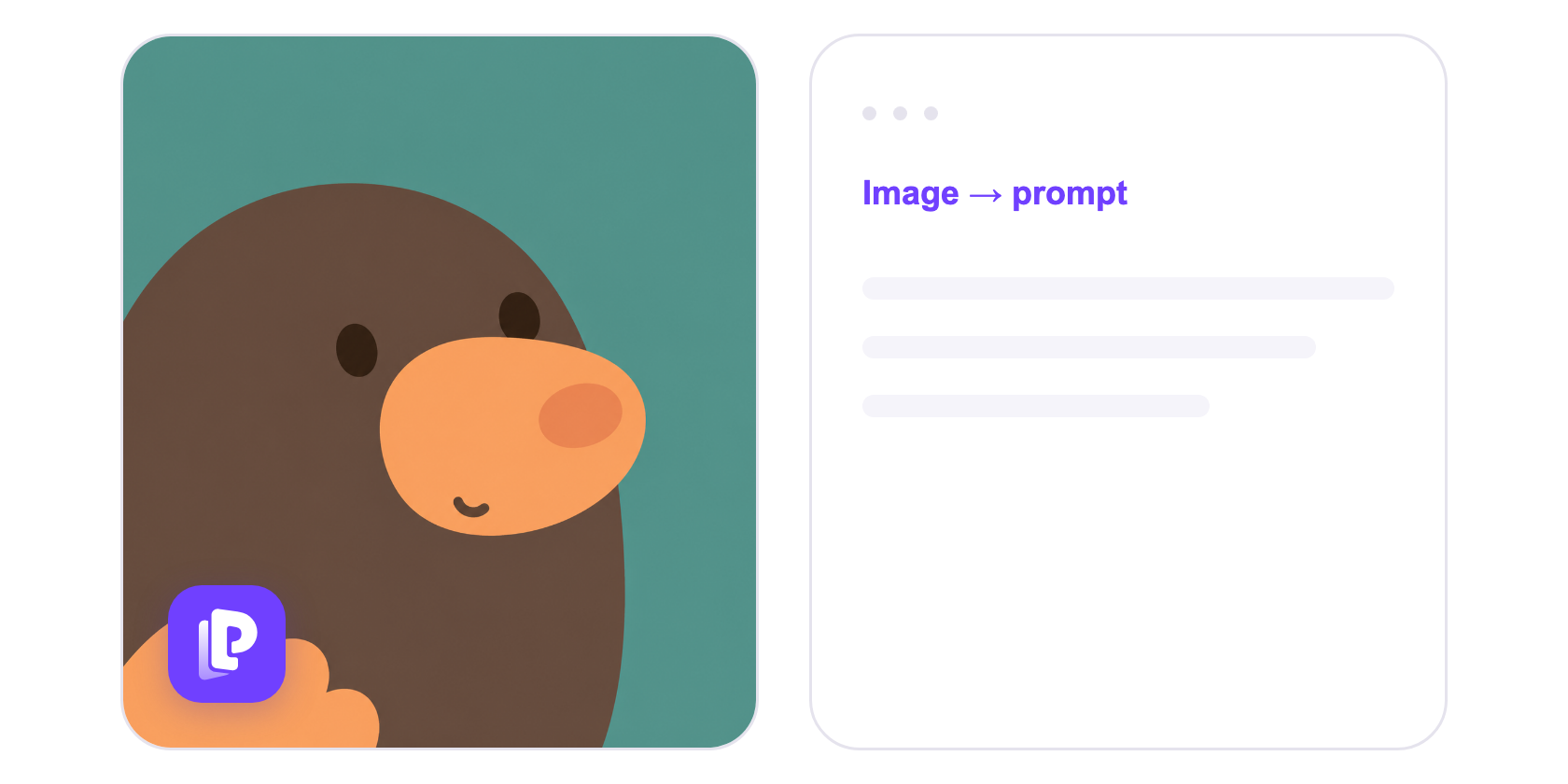
Three steps to get started
Pick an image
Click the P on an image, use the right-click menu, or upload your own.
Get the prompt
Edit or copy the prompt in the sidebar.
Keep creating
Bring the prompt and aspect ratio to PixOnDeck to create a new image.
FAQ
Your PixOnDeck account
Use your existing account and credits. A successful prompt costs 1 credit; failed requests are refunded. Image generation is billed separately.
Originals stay in your browser
Only a compressed image is uploaded for analysis. Originals and tasks stay in your browser for 7 days, and you can delete them anytime.
Does it recover the original prompt?
It may not match the original prompt exactly. We use the latest models to analyze the image, infer its subject, composition, lighting, and style, and create a prompt you can keep editing.
Does it work on every image?
Some websites restrict image access. You can upload an image instead.
Which languages are supported?
The extension interface supports English and Simplified Chinese. Generated prompts are in English.